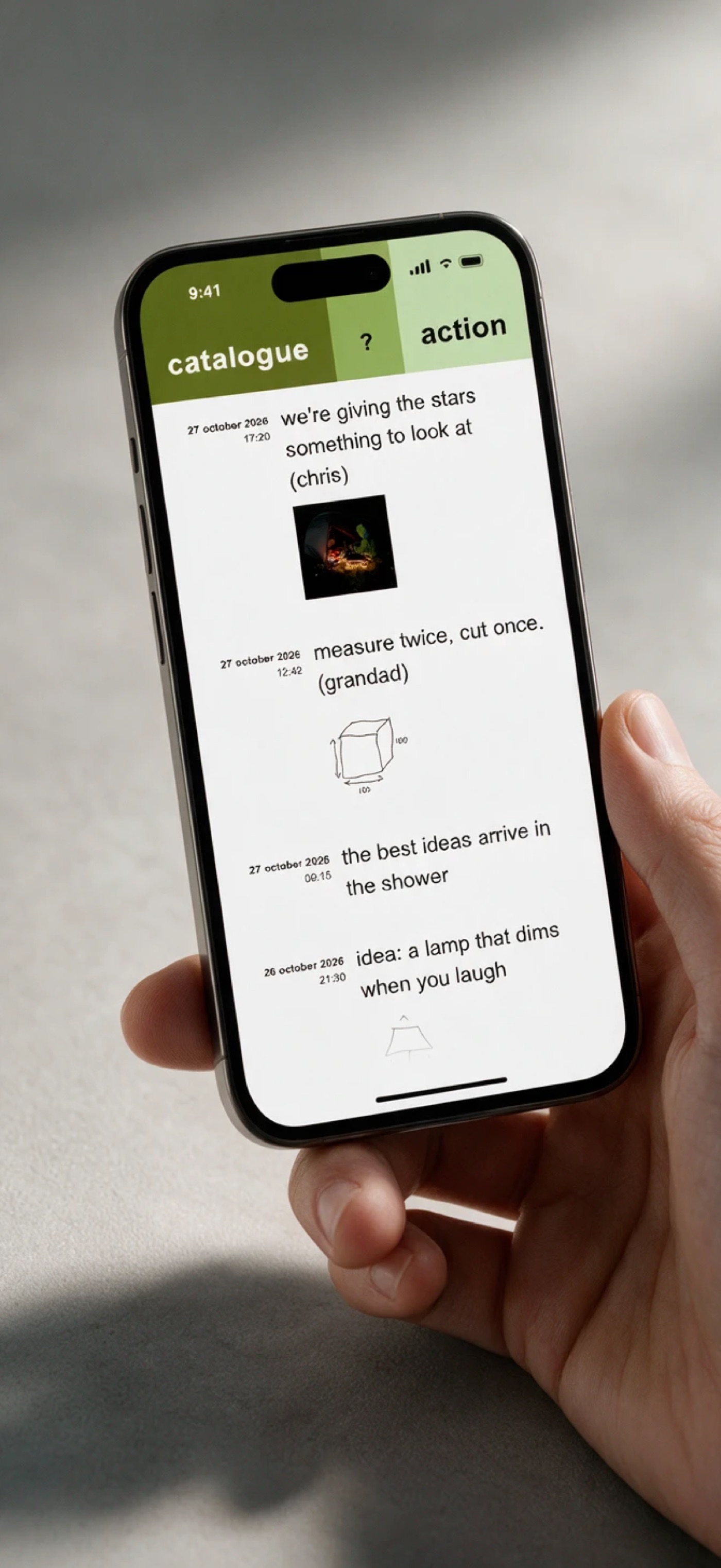
Write
Type, give the note a title, and save. Done in seconds, with the keyboard already up.
Photos and voice memos
Attach a picture to any note, or hold the BarMemo title to record. Your memo is turned into text on your device.
Search
Search titles, words, voice memo transcripts and categories. Every match lights up.
Card mode
Flick through your notes as cards, each with its title, category and date.
Turn notes into playing-card-sized cards on A4 pages, ready to cut out.
Share and export
Send a web link to your notes, or export a spreadsheet that opens in Numbers.
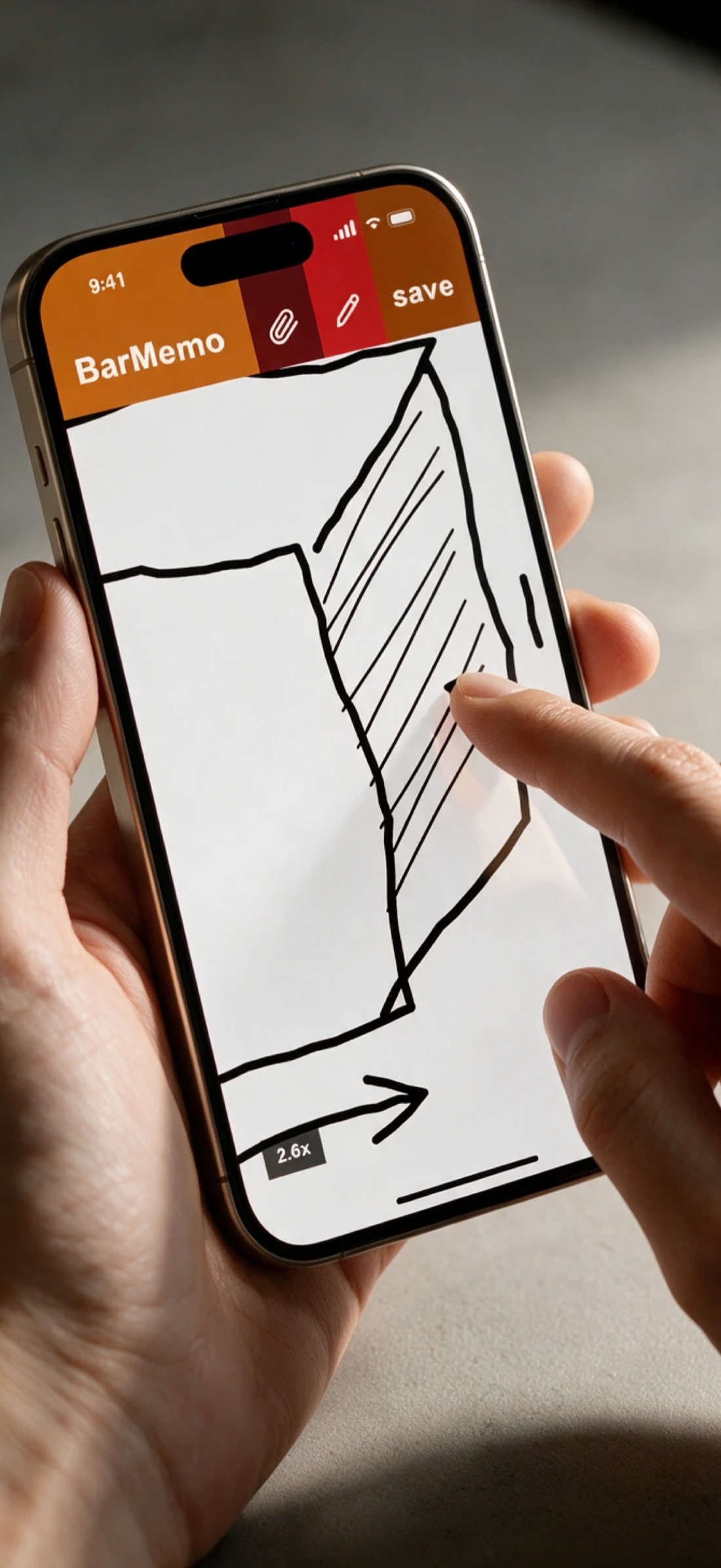
Sketch it when words won't do
Draw with your finger or trackpad, right inside the note.
- Zoom up to 6x, with the zoom level shown
- Undo and redo as you go
- Every drawing in one grid on the sketches page, with a web page you can share
On your iPhone and your Mac
iPhone
Fast on the go. Hold a toolbar tab to flick through lists, press and drag to select several notes, and your note text follows your text size.
Get it on the App Store →Mac
Lives in your menu bar, one click away. Resize it, move it, or open it in its own window. Right-click the icon to jump to any list.
Get it on the Mac App Store →