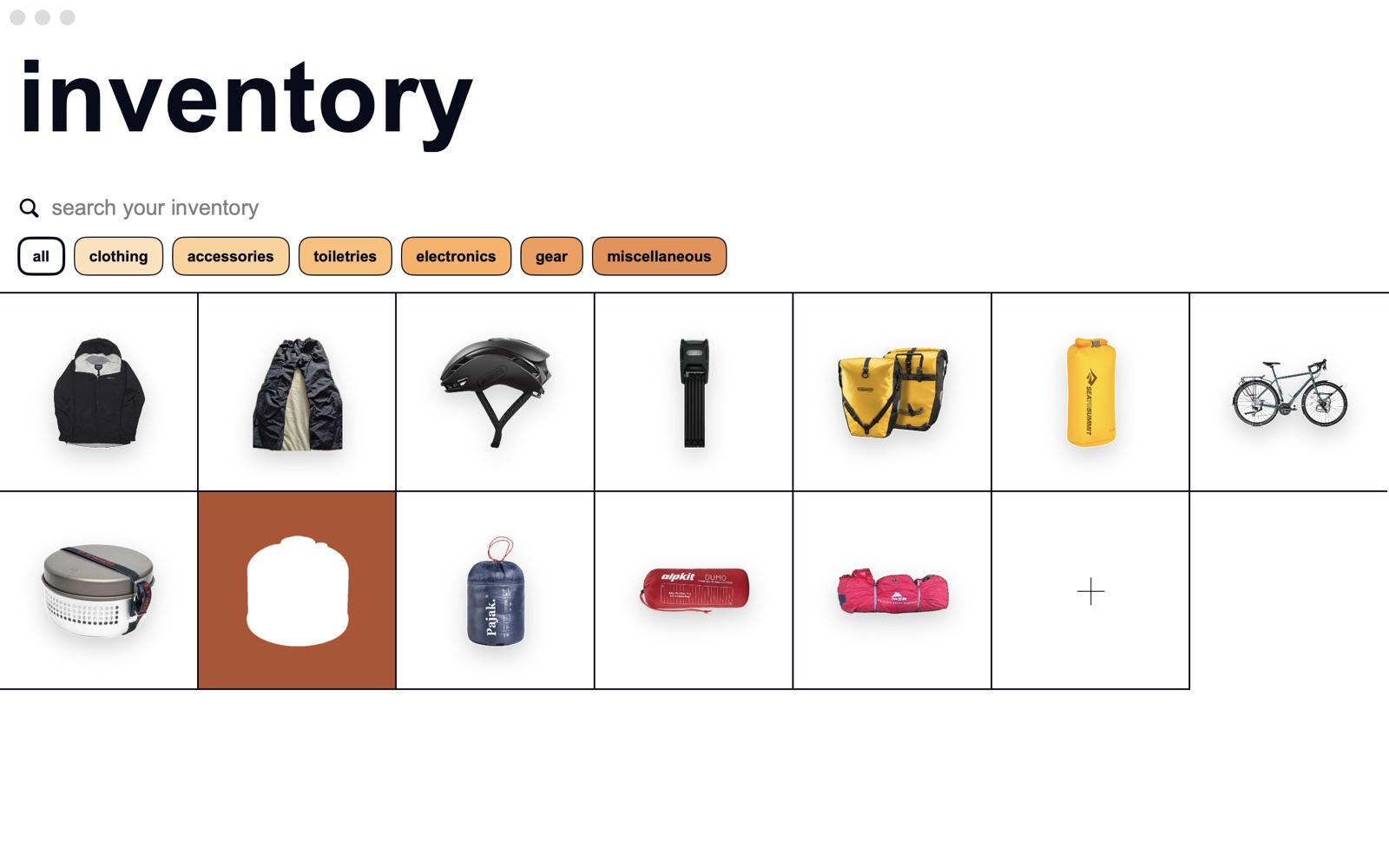
Everything you own, in one clean grid.
Take a photo and the background disappears, leaving just the object. Every item lives in a grid of squares, grouped by category and ordered by what you use most.
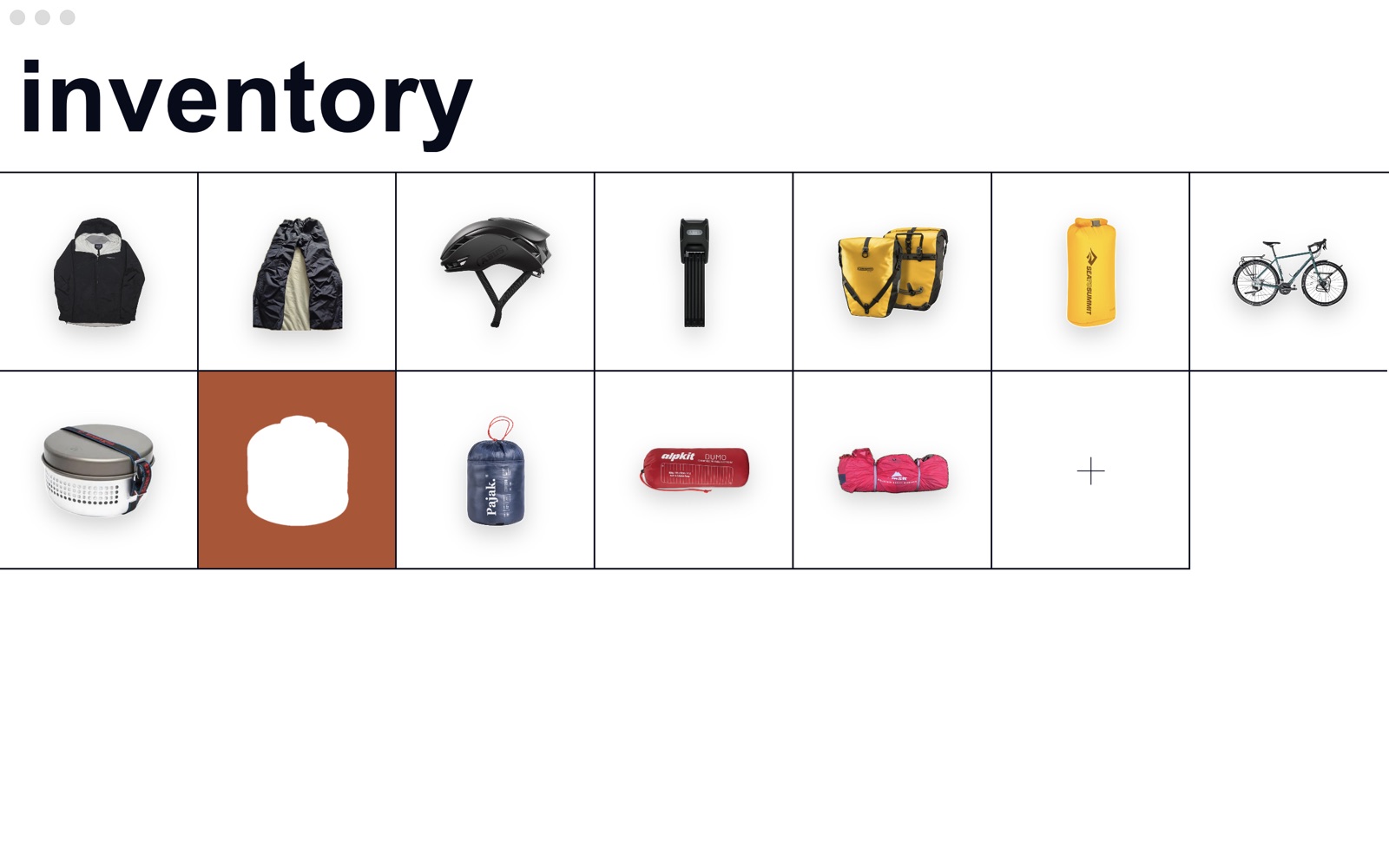
Lists that work.
Make a list for a trip, a kit, a shoot or a move. Double-tap an item to mark it packed. Hold it to flag that it needs attention. Add written entries too, like “find keys”.
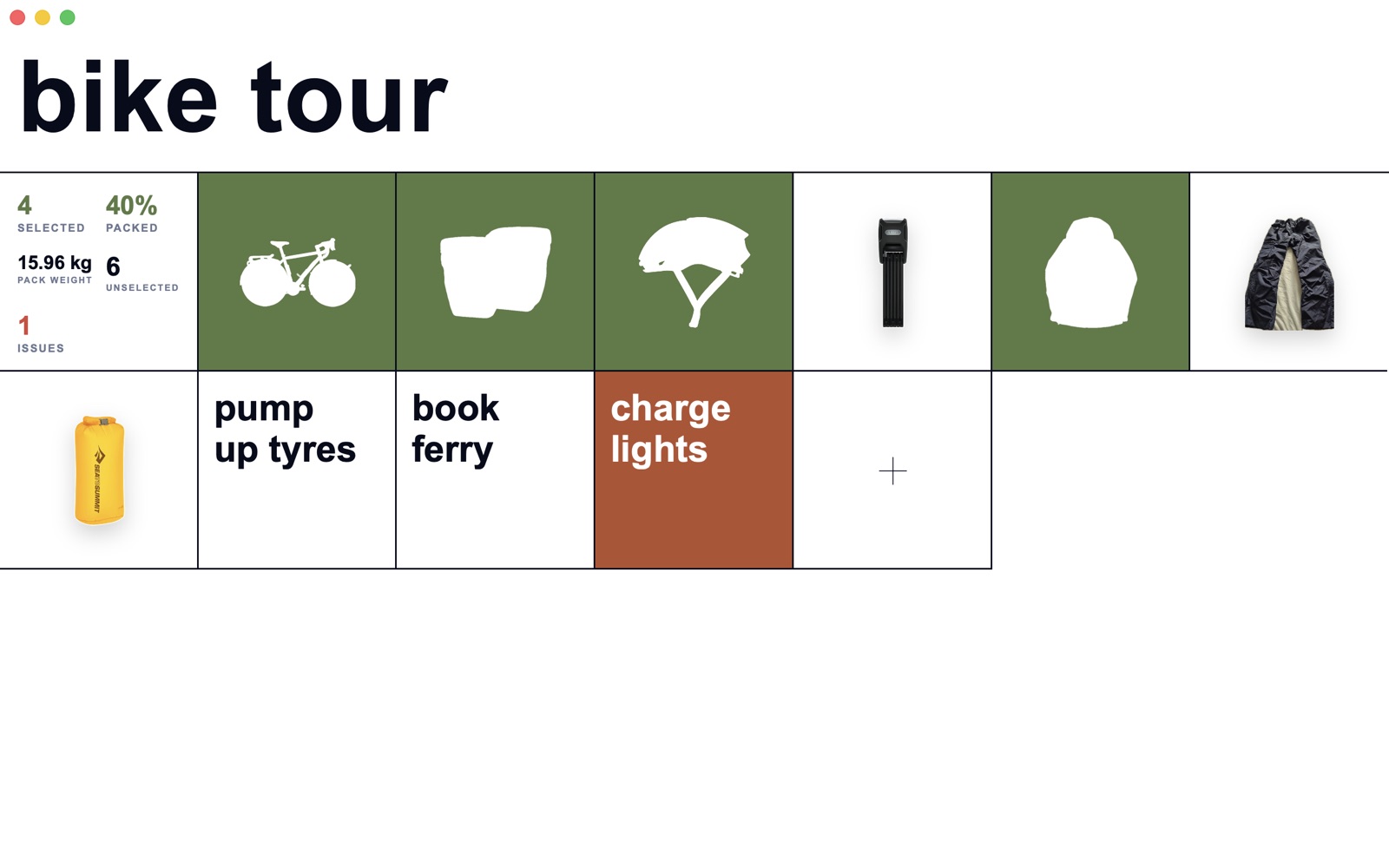
PackedDouble-tap. The square turns green.
Needs attentionHold. The square turns red.
At a glanceHow many are packed, the percentage, the pack weight, and what is still to do.
Quick to add, easy to tidy.
Take or choose a photo, or add up to ten at once. BarNone suggests a name; change it, add a weight, pick a category. If a cut-out is not quite right, erase, restore, or tap a leftover patch to remove it.
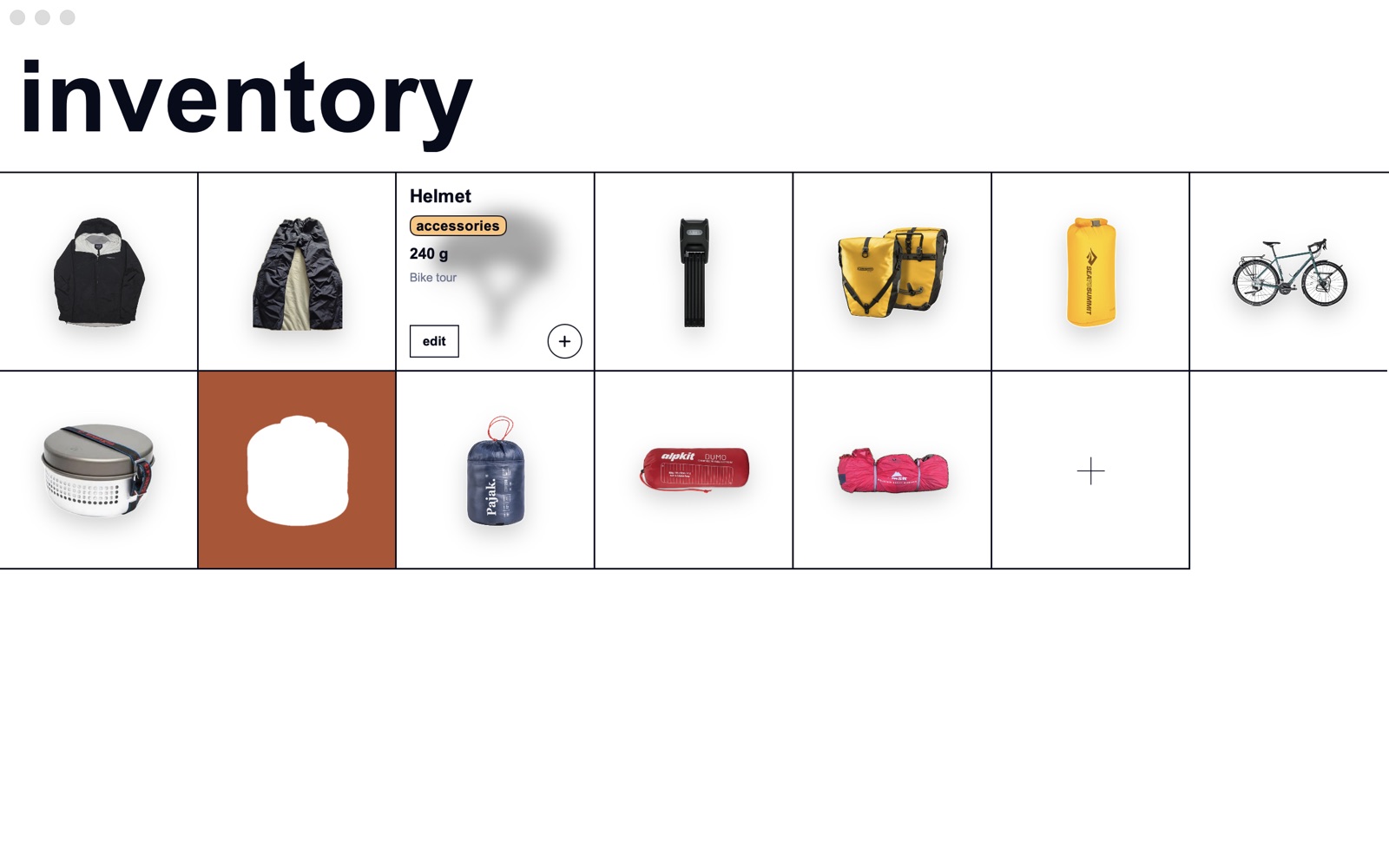
Find it fast.
Hold the big title to search by name or narrow to one category.